ColoringTools
Sign In

Picture to Coloring Page

Turn your picture to coloring page in seconds — four line-art styles, ready to print. Adjust the black-and-white lines for free and download a print-ready PNG or PDF.

Sign in to generate. Browser touch-ups, downloads, and printing are free.

Upload Your Picture

JPG, PNG, WebP, HEIC/HEIF · up to 10 MB

For the best photo to coloring page results, choose a photo with one clear subject, such as a face, pet, or bouquet. Your files are visible only to you.

Four Line-Art Styles for Any Picture

Choose a style
Resolution

1K page — 1 credit | 2K — 2 credits | 4K — 3 credits

Free Touch-Ups Before You Print

After generation, you can adjust detail and line weight, remove specks and gray, and close gaps for free.

Image Preview
AI Original
Your AI line art appears here
Adjusted Preview
Your edits appear here
Adjustments

Generate a coloring page to enable adjustments.

SimpleDetailed
ThinBold
Cleanup
Export version

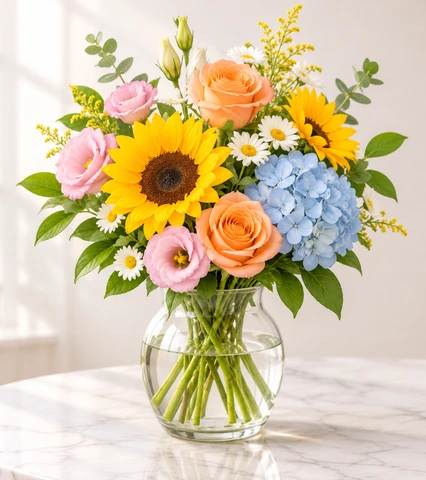
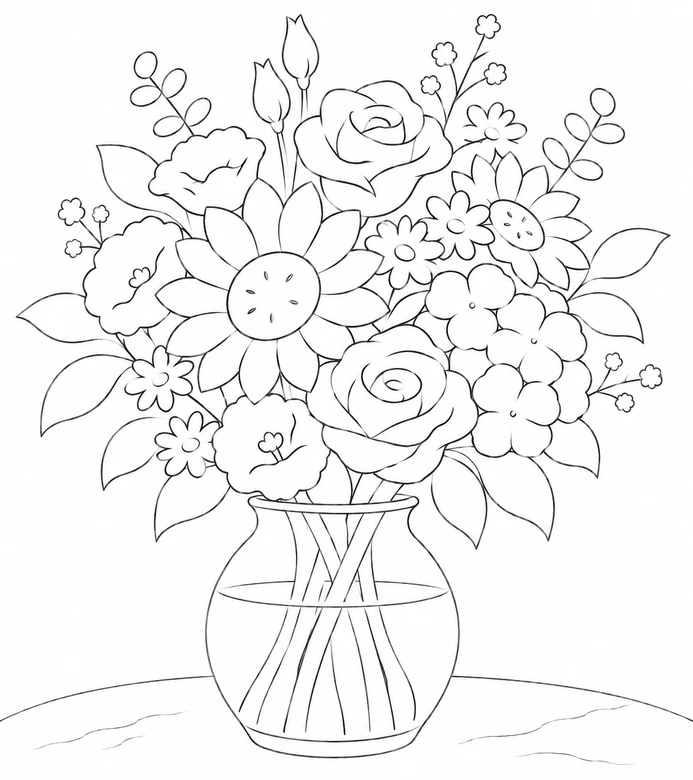
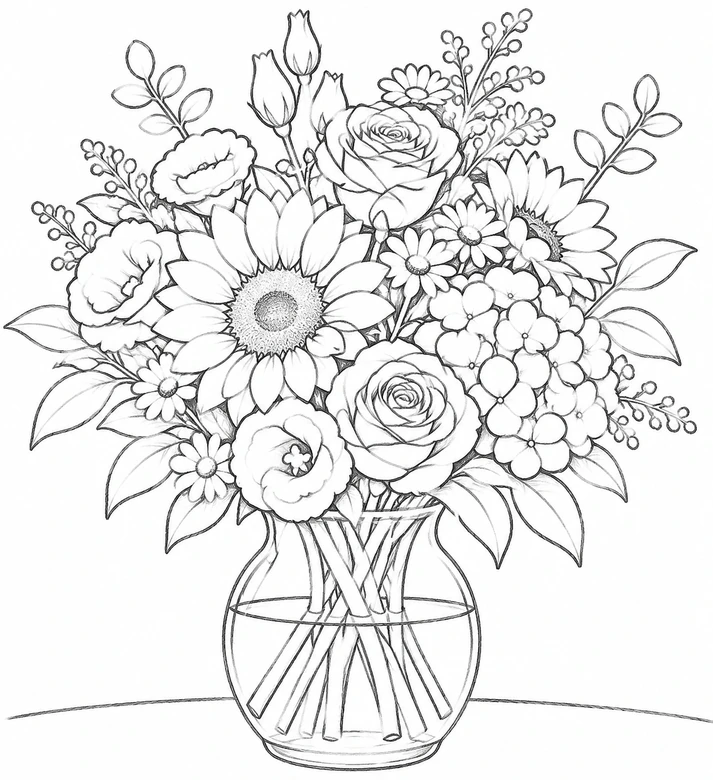
One Bouquet Four Coloring Page Styles

See how each style handles detail and background before you generate.

Original photo of a colorful sunflower and rose bouquet in a glass vase
Original
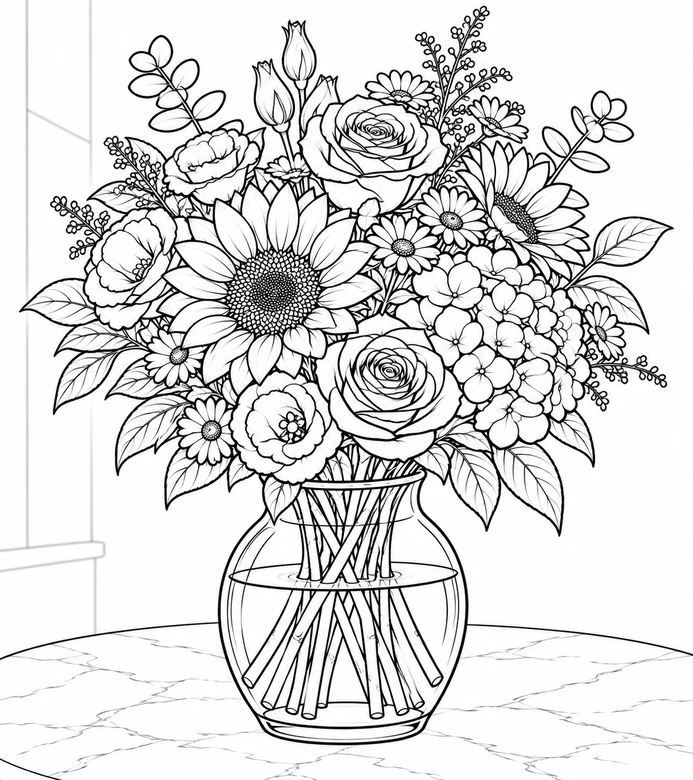
Sunflower bouquet coloring page — simple style with broad outlines

Simple

Clean outlines and the largest spaces to color. Choose this for younger kids or broad-tip markers.

Sunflower bouquet coloring page — standard style with balanced outlines

Standard

A balance of details and open spaces. A good fit for most everyday photos.

Sunflower bouquet coloring page — detailed style preserving petal and leaf textures

Detailed

Keeps more textures and scene details, like fur, fabric folds, and leaf veins. Good for older kids and anyone who likes coloring small details.

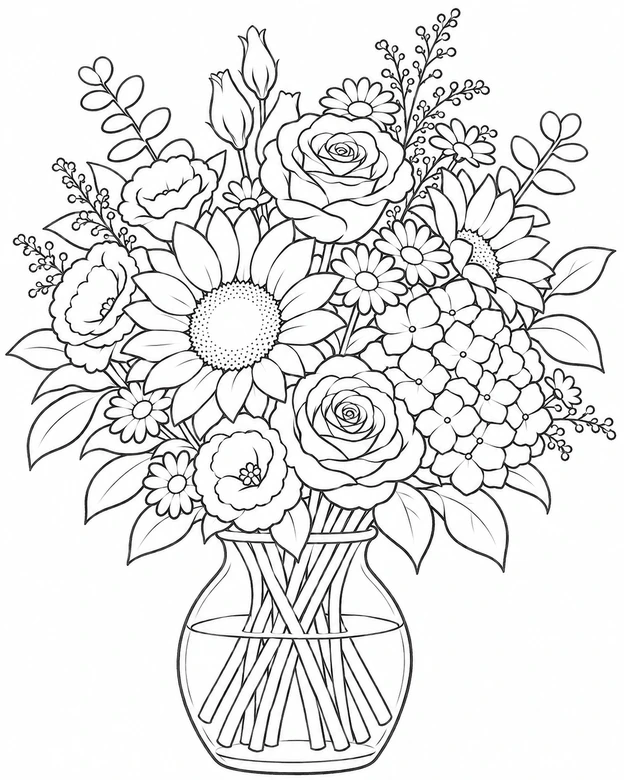
Sunflower bouquet coloring page — no background style isolated on white

No Background

Keeps the subject on a clean white background. Choose it for pet photos or portraits taken in busy rooms.

REAL EXAMPLES

Turn Any Picture Into a Clean Printable Coloring Page

See how portraits, illustrations, and travel photos become crisp black-and-white line art — ready for crayons, markers, or colored pencils.

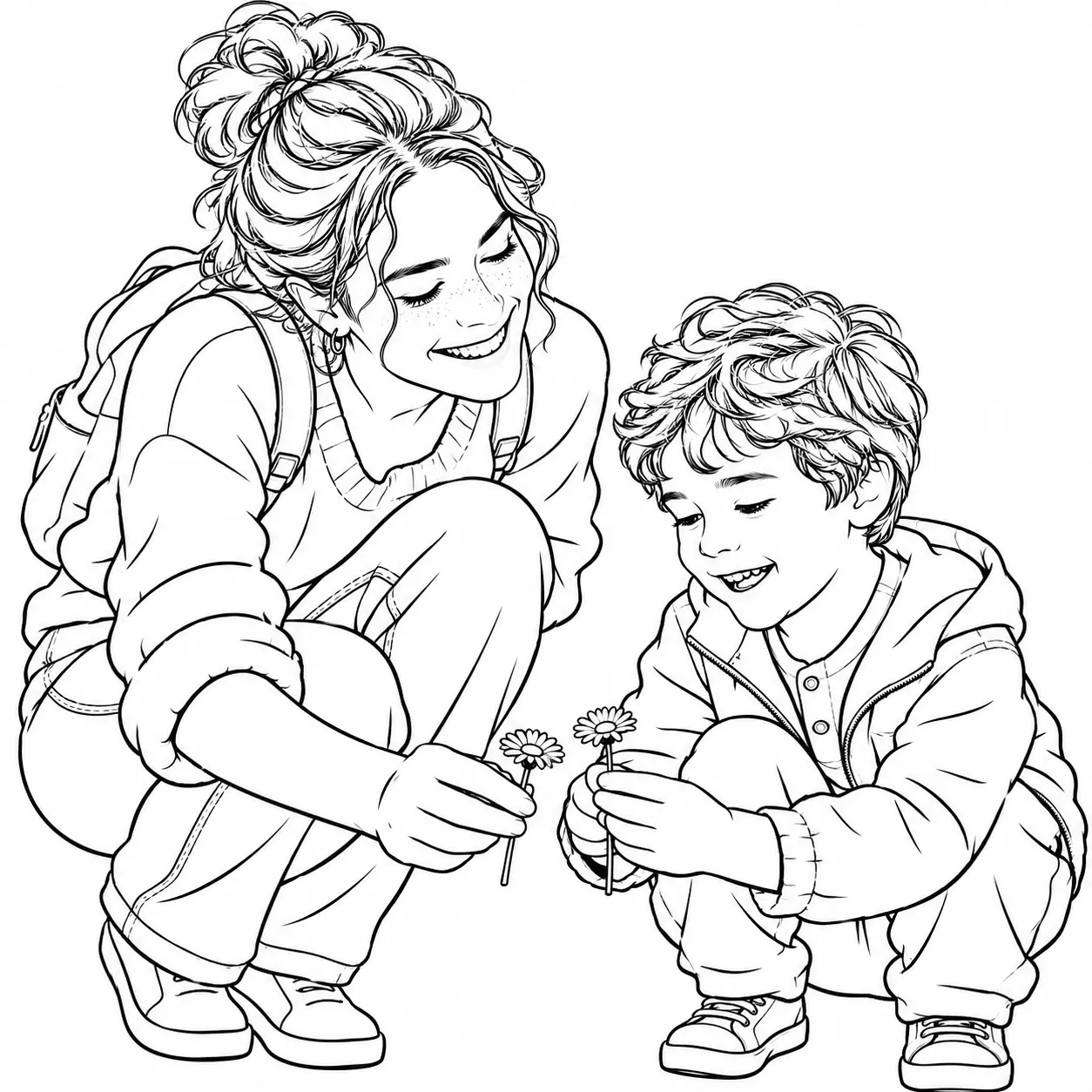
Picture to coloring page result — mother and son in the No Background style, from a family photo
Picture to coloring page · No Background

FAMILY & PORTRAITS

Photo to Coloring Page for Family Photos

Outdoor and home snapshots often have cluttered trees, fences, or rooms that make coloring messy. With our No Background style, this photo to coloring page tool isolates the subjects on pure white while preserving natural faces and expressions.

  • Preserves real facial features, smiles, and natural poses
  • Removes messy grass, fences, and background clutter cleanly
  • Upload JPG, PNG, WebP, or iPhone HEIC/HEIF up to 10 MB
Try with a family photo
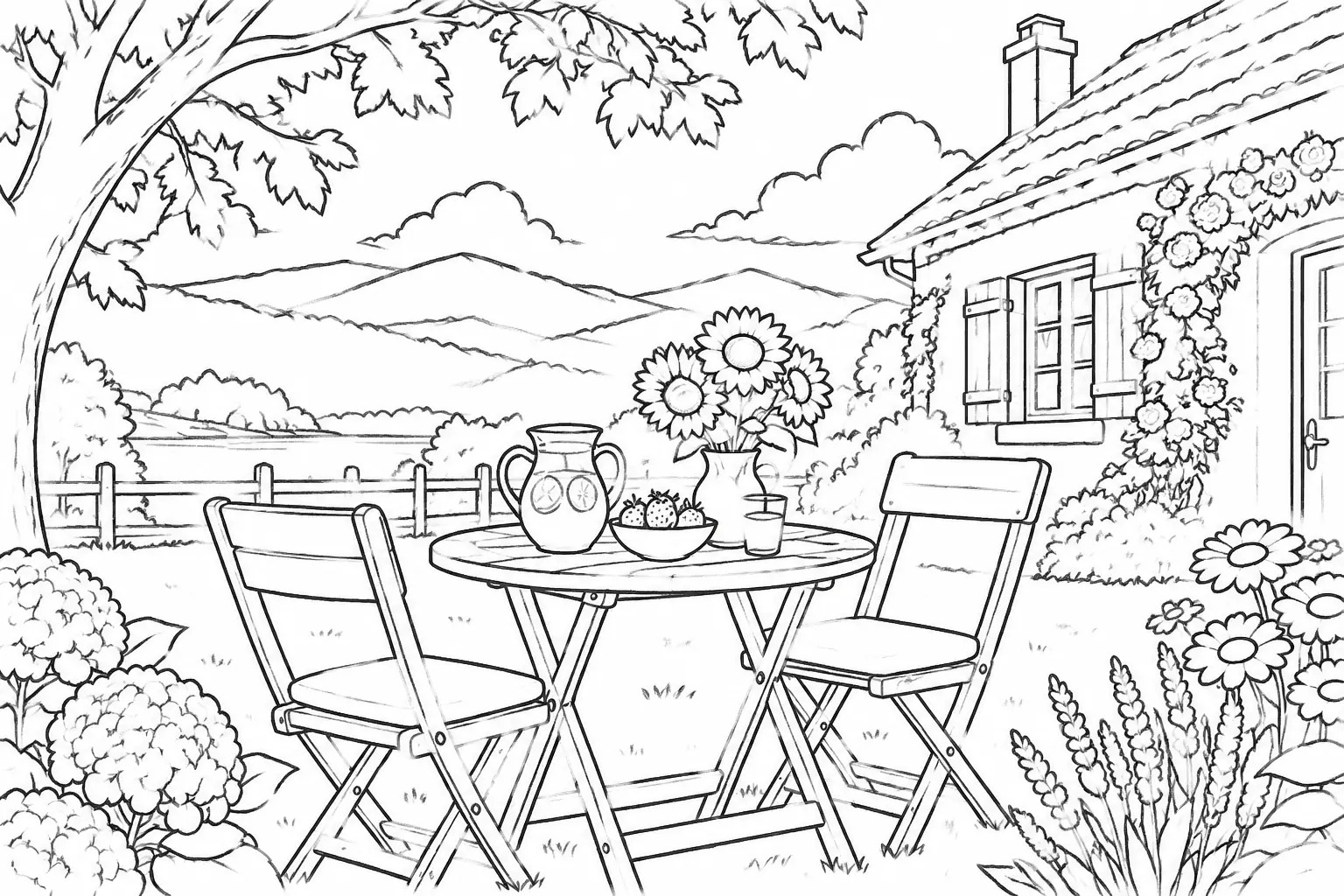
Picture to coloring page result — countryside garden table in Standard style, from an illustration
Standard

ILLUSTRATIONS & SCENES

Turn Colorful Illustrations Into Printable Line Art

Turn colorful illustrations or storybook scenes into crisp black-and-white line art without muddy gray shading. If you notice small specks or want slightly thicker lines before printing, make quick, free touch-ups right in your browser.

  • Extracts clean, open outlines ready for markers or colored pencils
  • Free browser touch-ups for line thickness, detail, and stray specks
  • Compare side by side with the AI original and reset anytime
Convert an illustration
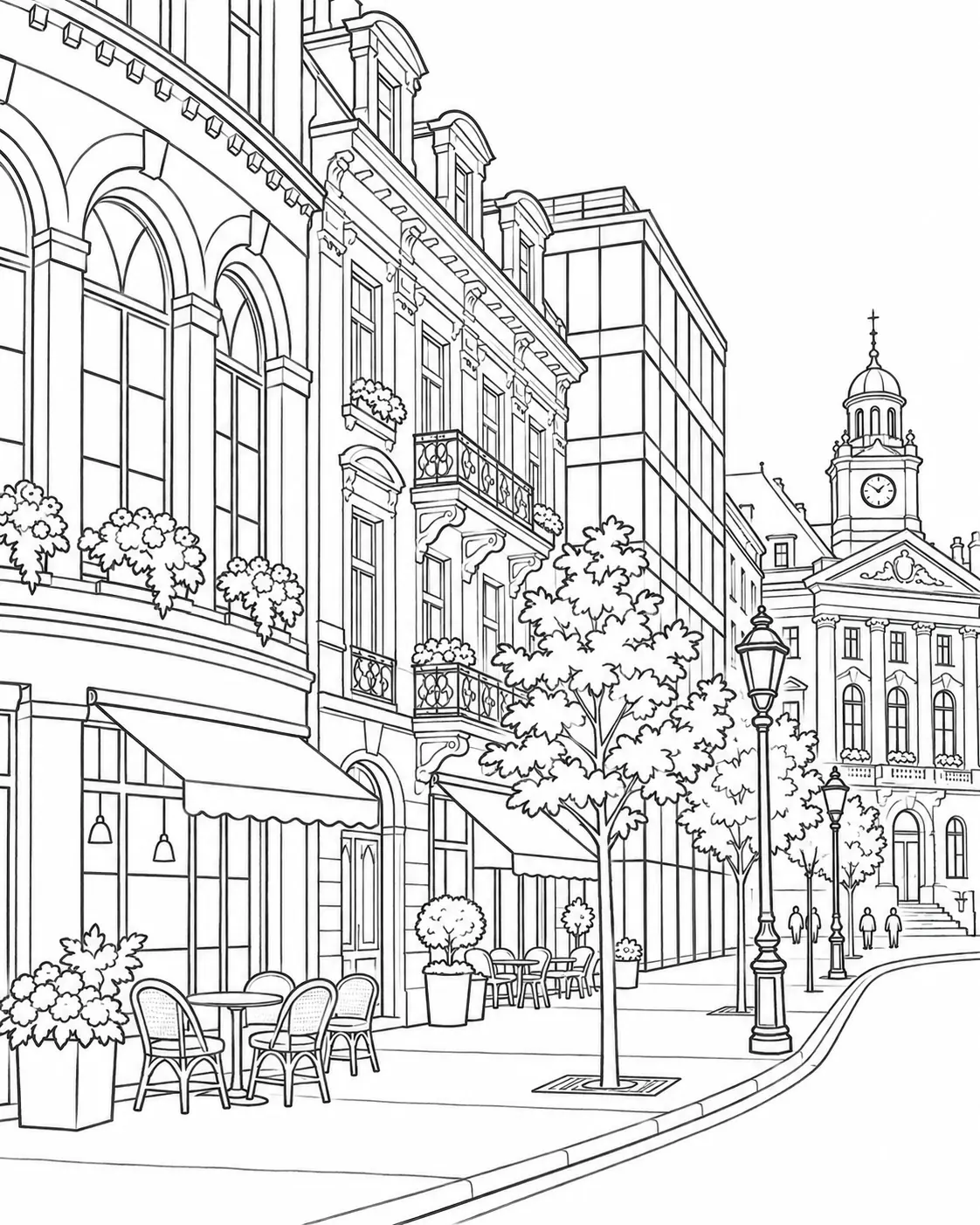
Picture to coloring page result — European street architecture in Detailed style, from a travel photo
Detailed

TRAVEL & ARCHITECTURE

Picture to Coloring Page Examples From Real Photos

Whether you upload a tall street view, a wide landscape, or a square photo, the image into coloring page converter matches the closest aspect ratio automatically. Pick 1K, 2K, or 4K, then download a PNG or print cleanly on A4 or US Letter.

  • Automatically matches portrait, landscape, and square photos
  • Choose 1K (1 credit), 2K (2 credits), or 4K (3 credits)
  • Export full-size PNG, PDF, or print directly on A4 and US Letter
Turn a travel photo into line art

HOW IT WORKS

How to Turn a Photo Into a Coloring Page

Three steps from photo to printable sheet — keep the AI original as-is, or make a few free touch-ups first.

  1. Upload Your Photo and Pick a Style

    Sign in and drop in a JPG, PNG, WebP, or HEIC/HEIF photo (up to 10 MB). Pick one of the four line-art styles and choose 1K, 2K, or 4K—your photo's aspect ratio is matched automatically.

  2. Optional · Free

    Preview It, Then Make Free Touch-Ups

    Often the AI original already looks crisp and ready to print. If you want small tweaks, experiment freely with the browser buttons—adjust detail or line weight, clean up specks, compare side by side, and reset anytime at no extra credit cost.

  3. Download the PNG or PDF, or Print at A4

    Select either the AI original or your adjusted version to export without cropping any edges. Download a full-resolution PNG, save a PDF, or print straight onto A4 or US Letter.

  • No need to edit if the first result looks great

    Both the AI original and your adjusted preview stay side by side, so you can skip straight to downloading whenever the AI original is already clean.

  • Reload and keep experimenting for 7 days

    Close the page anytime after submitting. Your AI original stays in My Works for 7 days, so you can reload it back into the tool and try the adjustment buttons as many times as you like—just download any adjusted version you want to keep.

FAQ

Picture to Coloring Page FAQ

Clear answers on styles, credits, printing, and how your photos stay private.

Sign in to generate. 1K page — 1 credit | 2K — 2 credits | 4K — 3 credits. After generation, you can adjust detail and line weight, remove specks and gray, close gaps, compare side by side, and reset for free. PNG and PDF downloads and printing at home cost no extra credits.

Ready to turn your photo into a printable coloring page?

Upload a photo, pick one of four styles, and fine-tune or print in minutes.

Upload Your Photo